

Most business owners do not wake up one morning and decide to redesign their website. It usually starts with a small feeling: the site looks a bit old, a customer says it was hard to use on their phone, or a competitor suddenly looks much more professional.
A website is not something you build once and forget. It is your online shop, your sales team, and your first impression, all working day and night. When it stops doing that job well, it is time to act. In this guide, we explain the eight clear signs you need a redesign, how to tell a refresh from a full rebuild, and how to redesign safely without damaging your Google rankings.
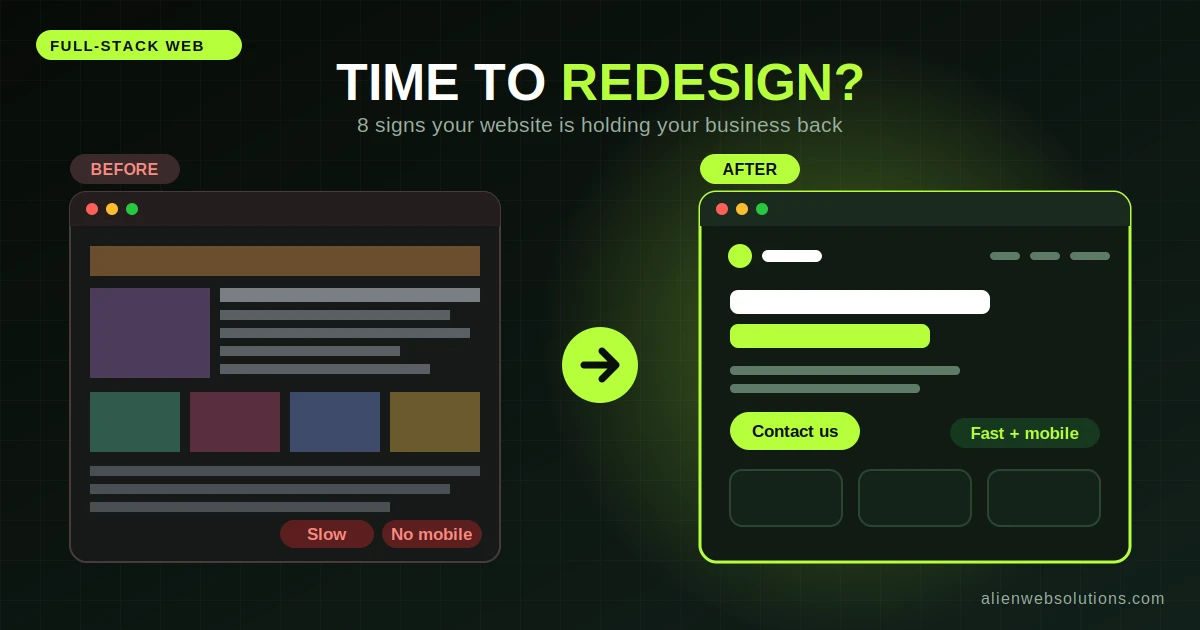
Visitors judge a website within seconds. Old fonts, crowded layouts, tiny images, and clashing colours make a business look less trustworthy, even if the service itself is excellent. If your site still looks like it did several years ago, customers may assume your business has not kept up either. Design styles change quickly, as we show in our look at graphic design trends in 2026.
Most visitors now arrive on a phone. If your text is too small, buttons are hard to tap, or the page needs sideways scrolling, people will leave. A site that was built mainly for desktop screens loses customers every day without you noticing.
Slow websites frustrate visitors and can hurt your search visibility. If your pages take a long time to load, people leave before they see anything. Speed problems can sometimes be fixed without a redesign, but when the cause is heavy old code or an outdated platform, a rebuild is often the better answer. Our guides on Core Web Vitals and speed optimization help you check which case you are in.
This is the sign that matters most for business. If people visit but do not call, fill in your form, or buy, something on the site is stopping them. Common reasons include unclear messages, hidden contact details, weak calls to action, and confusing navigation. A redesign focused on turning visitors into customers can pay for itself quickly.
If you need to call a developer every time you want to change a price, add a photo, or publish a blog post, your website is working against you. A modern content management system lets your team make everyday changes themselves. If your current setup makes that painful, the platform itself may need to change. Our article on choosing the right tech stack can help you decide what to move to.
Maybe you added new services, changed your target customers, updated your logo, or grew from a small shop into a larger company. If the website still describes the old version of your business, it sends the wrong message. A redesign is the chance to bring your look, tone, and offers into line. If your logo also needs attention, start with our list of logo design mistakes that hurt your brand.
Outdated software, unsupported plugins, frequent errors, or a past hack are serious warning signs. Old websites are easier targets for attackers, and constant patching can cost more than rebuilding properly. If you use WordPress, review our WordPress security guide to see how exposed your site might be, and make sure your hosting is well managed.
Pay attention to what people say. If customers ask questions that the website should already answer, cannot find your contact page, or tell you the site is hard to use, believe them. High exit rates on important pages and calls from confused visitors are strong evidence that the structure needs rethinking.
Not every problem needs a complete rebuild. Here is a simple way to think about it:
If you are unsure, a short website review can tell you which route makes sense. For budget and time expectations, see our guide to website cost and timeline.
Here is the part many people discover too late. A redesign can accidentally wipe out the search visibility you spent years building. It usually happens when page addresses change, old pages are deleted, or content is rewritten without a plan. Google has to relearn your pages, and rankings can fall for a while or not return at all.
Google's own documentation on moving a site with URL changes explains how to reduce this impact, and it warns that combining a site move with a big redesign of content and URL structure can lead to some traffic loss. The lesson is simple: plan the SEO side from the start.
There is no fixed rule, but many businesses review their site every two to three years and make improvements along the way. Redesign when you see clear signs such as an outdated look, poor mobile experience, slow speed, or low enquiries.
It can if it is done carelessly, especially when URLs change without redirects or good content is removed. With proper planning, redirects, and monitoring, you can redesign while protecting and often improving your rankings.
A simple refresh can take a few weeks, while a full redesign of a larger site often takes several weeks to a few months. Late content and slow feedback are the most common reasons for delay.
A refresh updates the look and key pages while keeping the structure and platform. A full redesign changes the structure, content, and often the technology, so it takes longer and costs more.
If the platform is outdated, insecure, or hard to manage, a rebuild is usually the better long-term choice. If the foundation is still solid and you only need a better look and clearer messages, a redesign or refresh is enough.
A website that once worked well can slowly start working against you. If it looks outdated, loads slowly, struggles on mobile, brings no enquiries, or is hard to manage, it is time to act. The key is to redesign with a plan: protect the pages that already perform, redirect every changed address, and measure results after launch.
If you are thinking about a redesign, the team at Alien Web Solutions can review your current website, tell you honestly whether you need a refresh or a rebuild, and plan the change so you keep your rankings. Contact us and let us talk about your goals.
