

You spend money on ads, SEO, and social media to bring people to your website. Then most of them leave within seconds, without calling, buying, or filling in a form. It is frustrating, and many business owners blame the traffic. But very often the real problem is not the visitors. It is the experience they get once they arrive.
UX, or user experience, is simply how easy and pleasant your website is to use. Good UX feels invisible: people find what they need and take the next step without thinking. Bad UX makes them stop, get confused, and leave. In this guide, we cover the 10 UX mistakes we see most often, how to spot them on your own site, and how to fix each one.
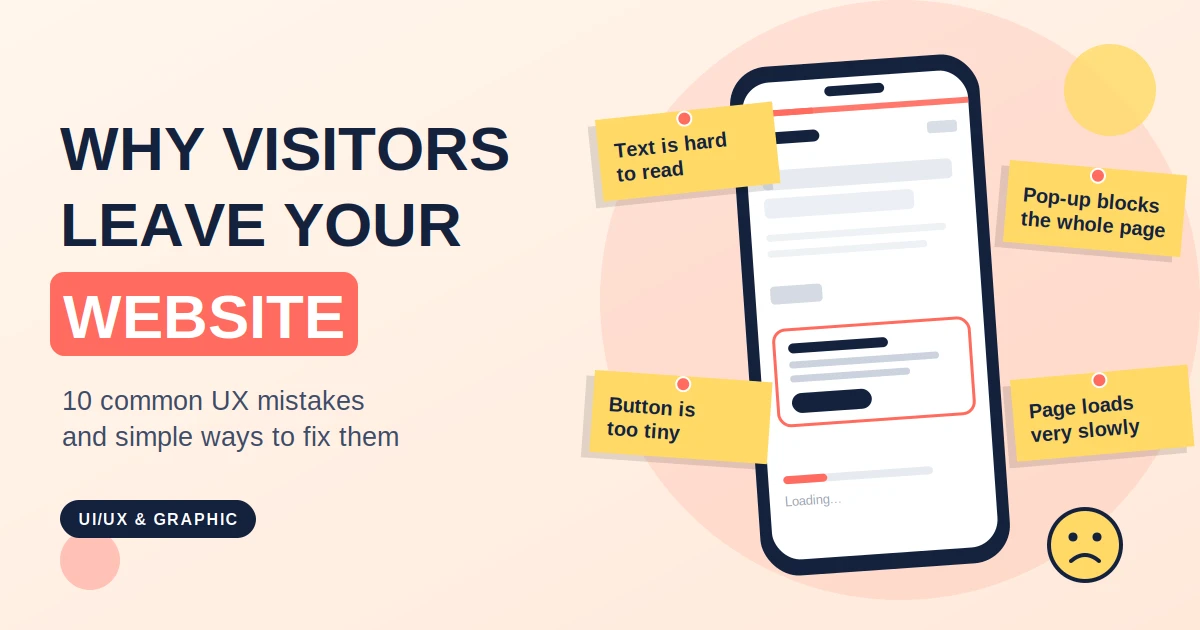
Visitors decide in a few seconds whether a page is for them. If the top of your homepage has a vague slogan or only a large picture, they will not stay to figure it out. They need to see three things immediately: what you do, who it is for, and what to do next.
How to fix it: Write one clear headline that says what you offer, add one line of support, and place a single obvious button. Test it by showing the page to someone for five seconds, then asking them what the business does.
Too many menu items, strange labels, and hidden pages make people feel lost. When visitors cannot find your pricing, services, or contact details quickly, they simply go to a competitor.
How to fix it: Keep the main menu to five or six clear items. Use plain words like "Services", "Pricing", and "Contact" instead of clever names. Make sure the logo links back to the homepage and the contact option is always easy to find.
People expect pages to load almost instantly. Large images, heavy plugins, and poor hosting can make your site feel slow, and impatient visitors leave before seeing anything. Speed also affects how search engines judge your site.
How to fix it: Compress images, remove plugins you do not need, and use reliable hosting. Our guides on Core Web Vitals and speed optimization walk you through the main fixes.
Most visitors arrive on a phone, yet many websites are still designed on a desktop first. Tiny text, buttons that are hard to tap, menus that do not open, and layouts that need sideways scrolling all push people away.
How to fix it: Open your site on a real phone and try to complete the main task, such as calling or booking. Use large, well-spaced buttons, readable text, and a simple mobile menu. Design for the small screen first, then add to it for larger screens.
A visitor may like your page and still not know what to do next. If the button says "Submit" or is hidden at the bottom, you lose people who were ready to act.
How to fix it: Give each page one main action. Use clear, benefit-focused button text like "Get a free quote" or "Book a call". Repeat the button after key sections, and make it stand out with a strong colour. Colour choice matters here, as we explain in our guide on color psychology in branding.
Every extra field in a form makes people less likely to finish it. Asking for a long list of details when you only need a name and a phone number is a common reason enquiries are lost.
How to fix it: Ask only for what you really need to follow up. Label each field clearly, show helpful error messages, and make the submit button obvious. If you need more information later, you can ask on the call.
A popup that appears the moment someone lands on your page, or one that is hard to close on mobile, feels like a barrier. It interrupts people before they know whether they even want your offer.
How to fix it: Use popups sparingly, delay them until the visitor has shown interest, and always make the close button large and easy to find. On mobile, avoid full-screen popups completely.
Light grey text on a white background, tiny fonts, and long dense paragraphs make reading tiring. This is not only a style problem. A website that is hard to use for people with visual or motor difficulties also loses customers and can be unfair to many users.
How to fix it: Use a comfortable font size, strong contrast between text and background, short paragraphs, and clear headings. Add descriptive alt text to images and make sure the site can be used with a keyboard. The W3C's WCAG guidelines are the international standard for accessible web content, and a good place to learn more.
People are careful about who they give money and personal details to. If your site has no reviews, no real photos, no address, and no clear contact details, visitors may wonder whether your business is real.
How to fix it: Show genuine customer reviews, case studies, logos of clients you have worked with, and real photos of your team or work. Add a full contact page and clear policies. A strong brand look also builds trust, which is why details like your logo matter, as we discuss in logo design mistakes that hurt your brand.
When someone clicks a button or submits a form and nothing seems to happen, they get worried and often try again, or give up. The same goes for vague errors like "Something went wrong" with no guidance on what to do.
How to fix it: Always show clearly that an action worked, for example with a thank-you message or a loading indicator. Write error messages in plain words that explain what happened and how to fix it. These ideas come from the well-known usability principles published by Nielsen Norman Group, including keeping users informed about system status and helping them recover from errors. You can read all ten in their guide to the 10 usability heuristics.
You do not need a big budget to spot most issues. Try these simple checks:
If you cannot fix everything at once, work in this order, because each step supports the next:
If you find many of these problems at once, it may be time for a bigger change. Our article on website redesign signs helps you decide whether to fix or rebuild, and our guide to website cost and timeline explains what to expect.
Good UX is not only about layout and buttons. The look of a website, including its colours, fonts, images, and graphics, shapes how trustworthy and easy to use it feels. Keeping up with modern visual styles helps, as we show in our overview of graphic design trends in 2026. And if you are deciding between do-it-yourself tools and a professional designer, our comparison of Canva vs a professional graphic designer can help.
UI (user interface) is how a website looks, including colours, fonts, buttons, and layout. UX (user experience) is how it feels to use, including how easily people find information and complete tasks. A good website needs both.
Warning signs include many visitors but few enquiries, high exit rates on key pages, complaints about finding information, and low mobile conversions. Simple tests like the five-second test and trying your site on a phone often reveal the main issues.
Yes. Clearer headlines, simpler forms, better buttons, and faster pages often make a noticeable difference, because they remove the small obstacles that stop people from taking action.
A quick review every few months is a good habit, and a deeper review once a year or after major changes. Keep checking on a real phone, because devices and customer behaviour keep changing.
Indirectly, yes. Fast pages, mobile-friendly design, clear structure, and helpful content create a better experience, and search engines aim to reward sites that people find useful and easy to use.
Most websites do not lose customers because of one big failure. They lose them through many small frustrations: a slow page, a confusing menu, a long form, a tiny button. The good news is that each of these is fixable, and fixing them often improves results without spending more on traffic.
If you would like an expert review of your website's user experience, the UI/UX team at Alien Web Solutions can audit your site, point out what is costing you customers, and help you fix it. Contact us and let us make your website easier to use and better at turning visitors into customers.
