

WordPress is often used to manage content and display it on the same website. A headless setup separates those jobs: WordPress remains the content management system, while a different frontend—built with a framework or another platform—presents the site to visitors.
This approach can be useful when a business needs to publish the same content to more than one experience, or when a team has a specific frontend requirement. It also adds more technical pieces to build and maintain. Here is how to decide whether that trade-off makes sense.
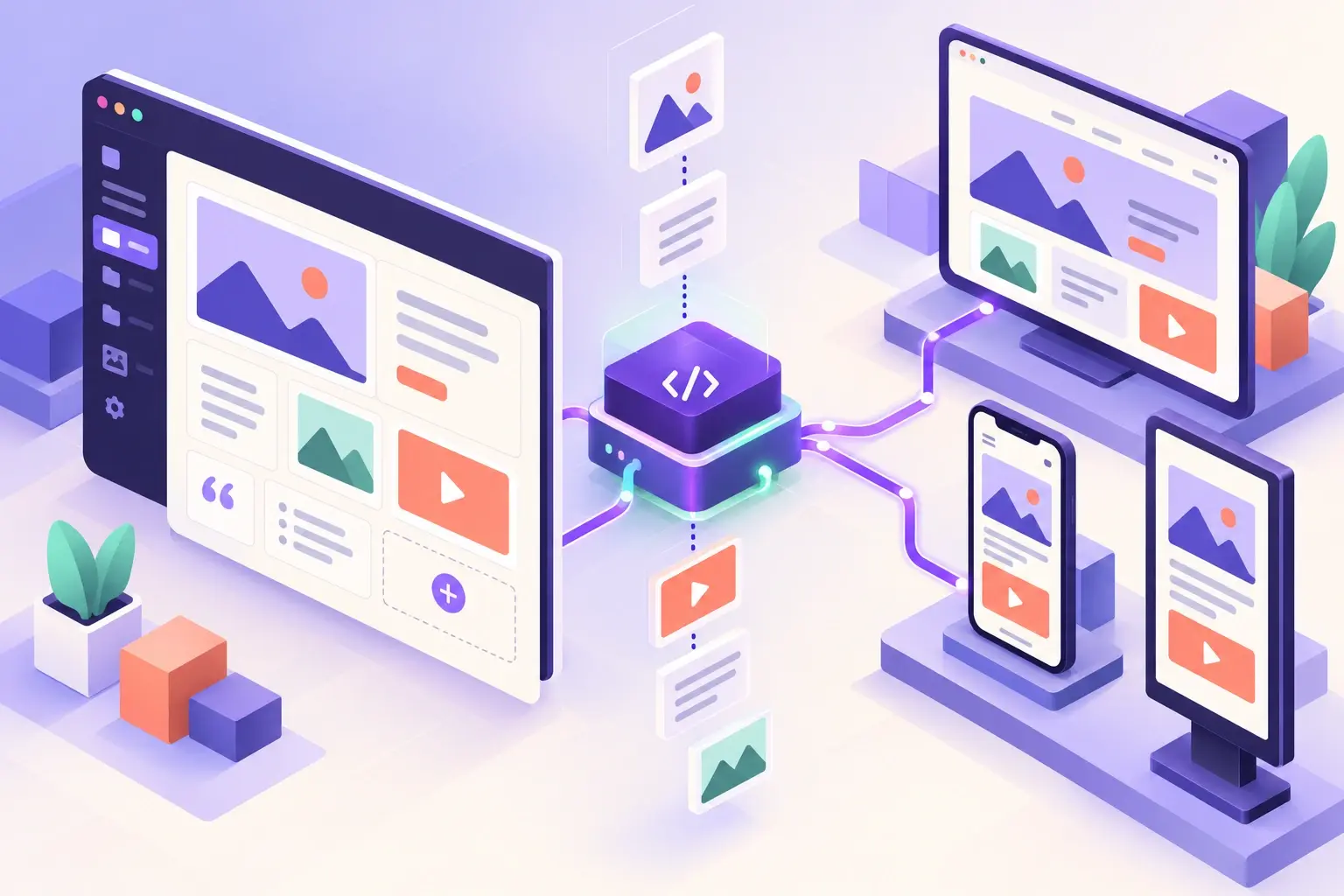
WordPress stores posts, pages, media and other content. A frontend application requests that content through an API, then renders it for the visitor. WordPress includes a REST API that can provide structured data over HTTP, which developers can use to connect a separate frontend.
In a traditional WordPress site, the theme handles the presentation layer. In a headless setup, a separate application takes on that role. The WordPress admin remains the editing workspace, but the public-facing site may be hosted and deployed separately.
Headless can be worth exploring when the content needs to appear in several places, such as a marketing website and a mobile app, or when a product team needs a frontend architecture that the standard theme system cannot reasonably support.
It can also make sense for teams that already have frontend developers and a clear deployment process. The strongest reason is a specific business or technical requirement—not simply the belief that headless is automatically faster or more modern.
If your business needs a content-rich website, blog, service pages and common integrations, a well-built WordPress theme may be easier to operate. Editors can preview pages in context, many plugins expect the standard WordPress rendering flow, and the team has fewer systems to coordinate.
Headless can make familiar tasks—previewing a draft, managing redirects, displaying forms or updating SEO metadata—more complex if the frontend and WordPress are not integrated carefully. If your site mainly needs a custom feature, a focused plugin or theme change may be simpler than replacing the whole presentation layer. See our WordPress plugin development guide for one option.
Headless projects work best when content is structured for reuse. Instead of placing every detail into one long body field, identify the information that needs to be edited separately: title, summary, image, call to action, author, product details or location.
Decide which content types and fields editors will manage, how drafts will be previewed, and what happens when a field is missing. The clearer the content model, the easier it is for designers and developers to build predictable templates.
Search visibility still depends on the pages visitors and search crawlers can access. Plan where page titles, descriptions, canonical URLs, structured data, redirects, sitemaps and social previews will be generated. Test that published pages render complete HTML and that important content is discoverable without relying on fragile client-side behavior.
Editorial workflow also matters. Make sure an editor can preview a draft, correct a typo and publish without needing a developer for routine content changes. If the preview experience is awkward, the architecture may slow down the people who publish most often.
A headless setup still needs WordPress core, themes and plugins maintained. It also needs secure API access, protected admin accounts, backups, dependency updates and monitoring for the frontend application. Separating the frontend may reduce some direct exposure, but it does not remove the need for good security practices.
Include ongoing ownership in your project plan: who updates each system, who responds to an outage, and how the team tests changes before release. Our PHP development guide offers more context on choosing and maintaining custom web technology.
It can be, but speed is not automatic. Frontend code, data requests, caching, images and hosting all affect performance. A traditional WordPress site can also be made fast when it is built and maintained well.
Yes. WordPress can remain the place where editors create and manage content. A separate frontend requests that content through an API and displays it.
No. Plugins that only manage content may work as usual, but plugins that render directly into a theme or depend on standard frontend behavior may need a replacement or custom integration.
Sometimes, but many small business websites are easier and more cost-effective to run with a conventional WordPress theme. Choose headless when a clear requirement justifies the added systems and maintenance.
The REST API lets applications request and manage WordPress resources through HTTP. In a headless project, a frontend can use it to retrieve structured content for display.
Headless WordPress is an architectural choice, not an upgrade every business needs. It can provide frontend flexibility and content reuse, but it also brings more deployment, preview, compatibility and maintenance work.
