

Most people assume WordPress plugin development means writing an entire application from scratch. It rarely does. In practice, a plugin is a focused bundle of PHP that hooks into WordPress at specific moments, adding one capability without touching the core files underneath. Understanding that distinction changes how you plan the whole project.
Below, we cover what a build actually looks like, what it costs, and when hiring a WordPress plugin development company beats going solo. Everything here reflects work we have done for clients across India and abroad, not textbook theory. If your site is on WordPress and you are exploring other custom builds, our CMS development services page covers the broader picture.
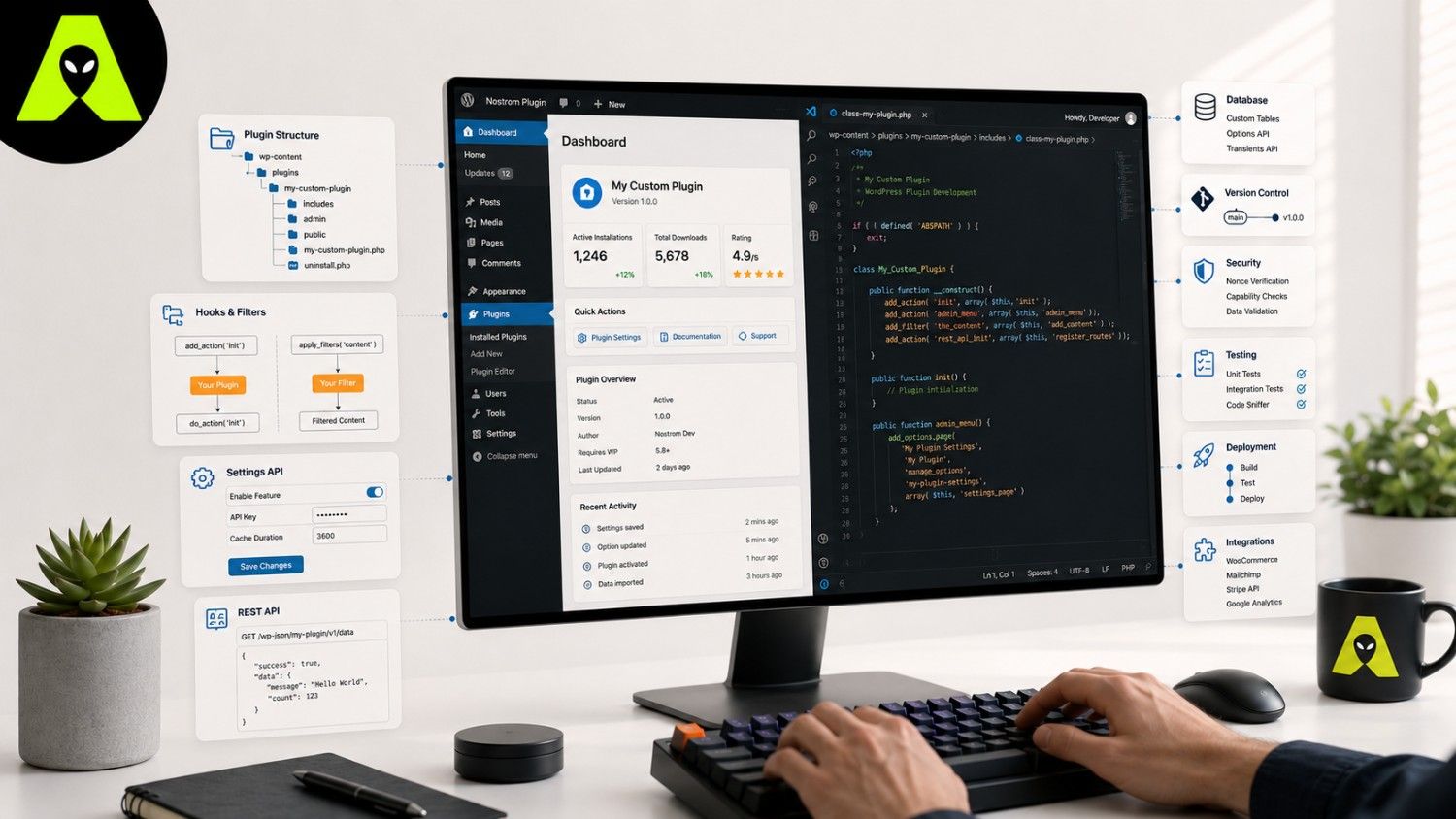
Forget frameworks for a moment. Every plugin begins as one folder inside wp-content/plugins/, containing at least one PHP file with a header comment block. That header is what tells WordPress the plugin exists at all; skip it, and your code sits there doing nothing.
Here is where most site owners get stuck. The WordPress repository has over 70,000 free plugins, so why build a custom one at all? Because stacking five general-purpose plugins to approximate one specific feature usually creates conflicts, slows your site down, and leaves security gaps you did not choose deliberately.
A single well-scoped custom plugin, by contrast, does exactly what your business needs and nothing else. Fewer moving parts mean fewer updates that can break your site overnight.
Cost depends far less on lines of code than on scope and support. A simple plugin, such as one that displays estimated reading time on blog posts, might take a developer a day or two. A plugin handling payments, user roles, or complex data, however, needs security review, testing, and ongoing maintenance as WordPress itself updates.
Consequently, the honest answer to "what does this cost" is always "it depends on what breaks if this plugin fails." Businesses in India often start with a narrow, low-risk feature first, then expand once it proves useful.
Basic PHP knowledge is genuinely enough for a simple internal tool. Yet once a plugin touches customer data, payments, or your site's core workflow, an experienced WordPress plugin developer earns their fee by catching security issues before launch rather than after a breach. Bringing in outside help at that stage usually costs less than fixing damage later.
Yes. Plugins are written primarily in PHP, with HTML, CSS, and JavaScript layered in for anything visual or interactive.
Often, yes. Consolidating three or four overlapping plugins into one custom build usually improves speed and cuts down on update conflicts.
A simple feature can take a day or two. Anything involving payments, user data, or complex logic usually takes several weeks once testing is included.
WordPress plugin development rewards a narrow first step, not an ambitious one. Build the smallest version that solves your actual problem, test it thoroughly, then expand once it earns its place on your site.
Weighing a custom plugin against your current WordPress setup? Get in touch with the Alien Web Solutions team — we will look at your site honestly and tell you what is worth building.